

Next-Generation
Classroom & Lab Platform
Built specifically for rigorous, high-velocity engineering coursework at IIT Bhilai. Instant anti-proxy attendance, assignment lockers, real-time discussions, and dual RTX A6000 GPU acceleration.
Engineered for Academic Excellence
Hoodle replaces legacy, sluggish LMS portals with a blazing-fast, distributed system purpose-built for computer science classrooms and intensive coding laboratories.
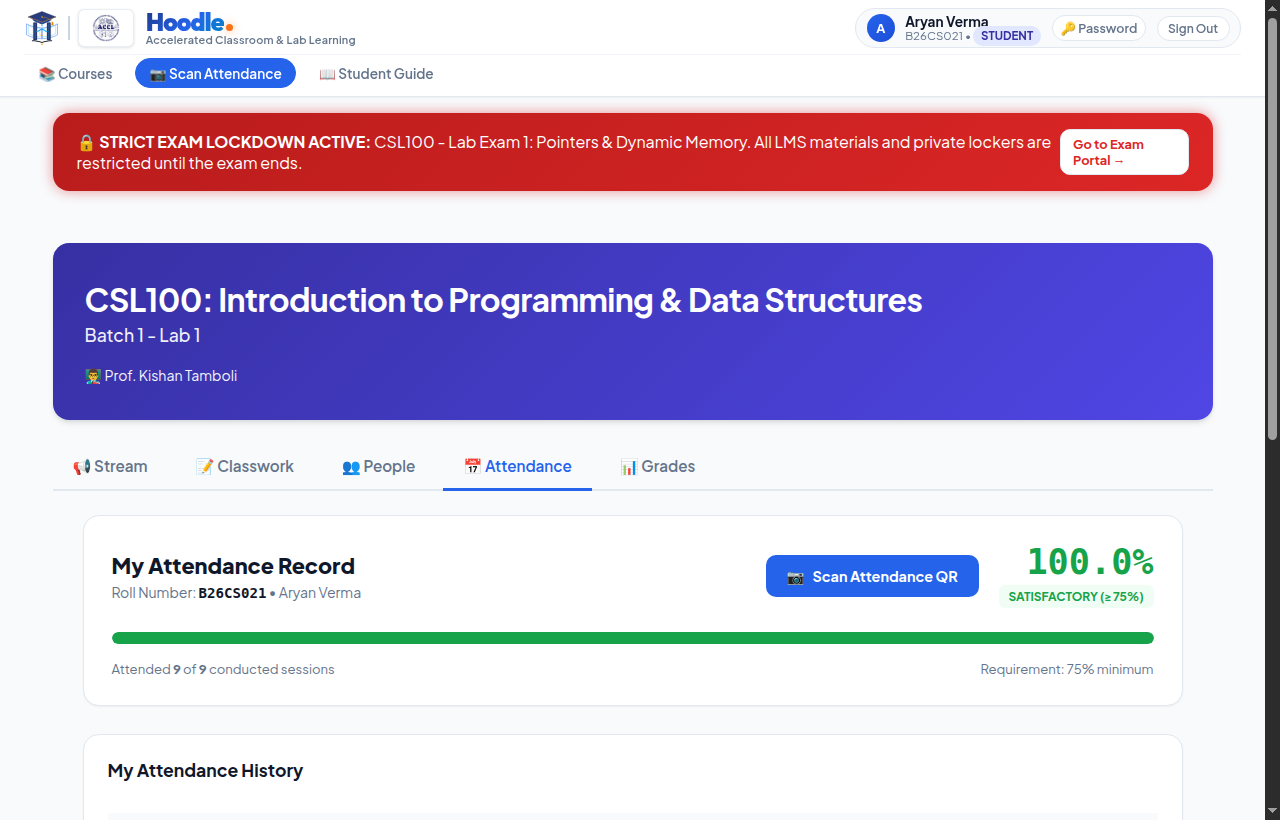
Smart Anti-Proxy Attendance
Eliminates proxy attendance through 20-meter venue geofencing, hardware device fingerprinting, and cryptographic QR codes rotating every 5 seconds. Includes 1-click teacher bulk-present and excused day exclusions.
Coursework & Exam Lockers
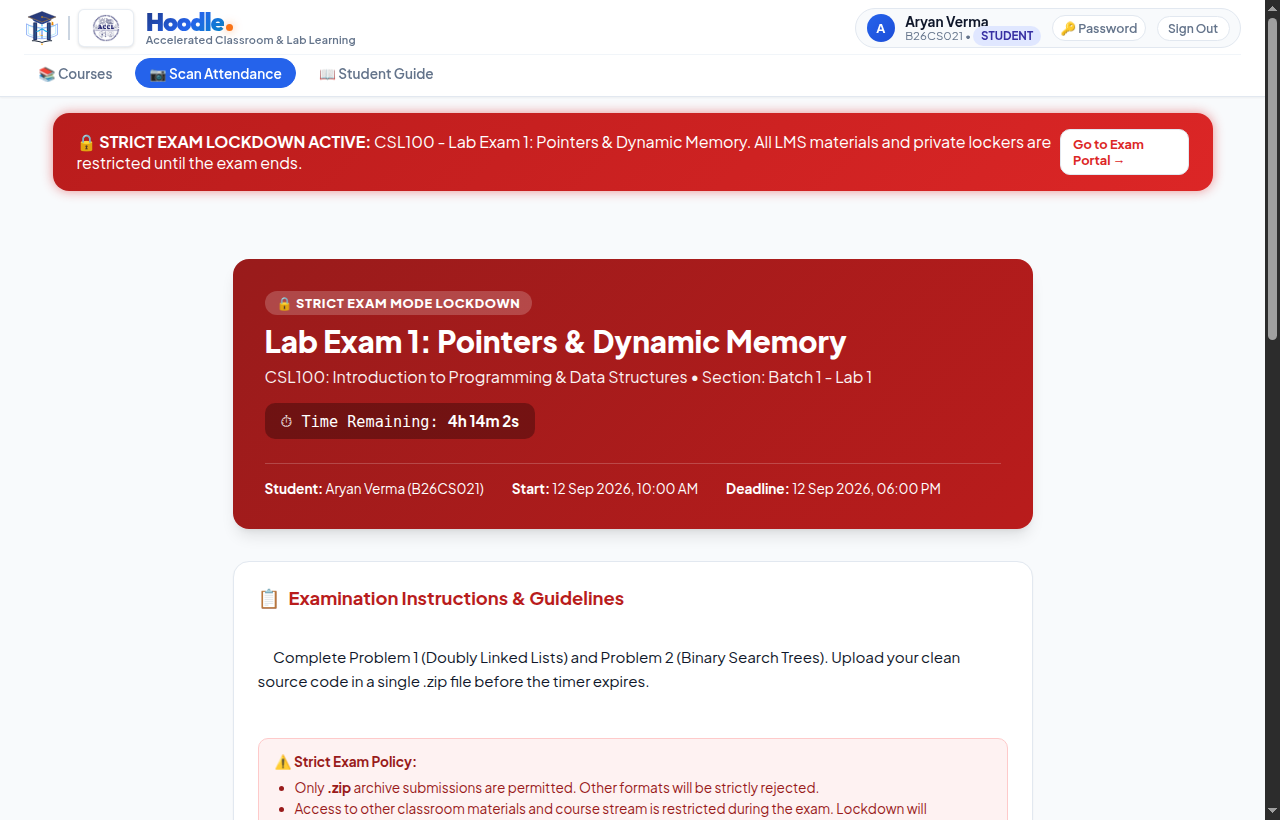
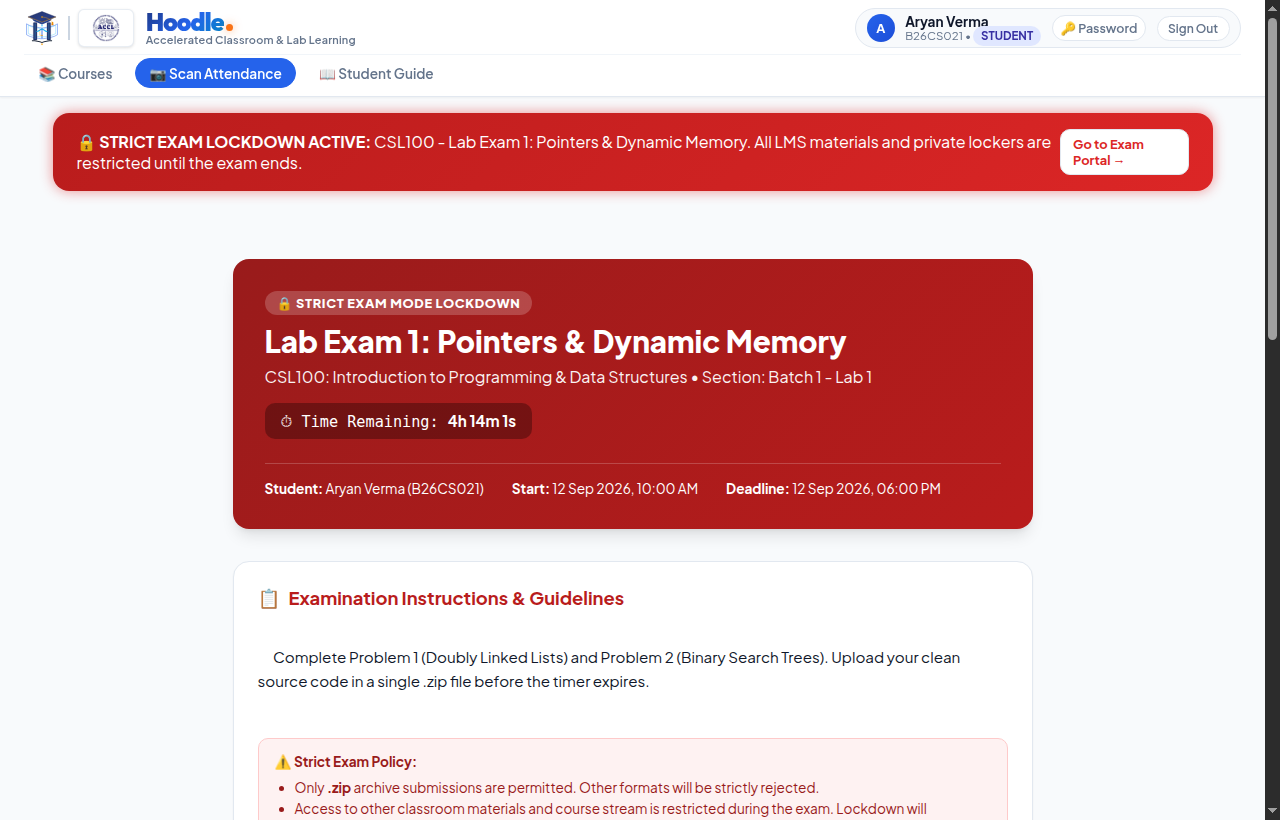
Streamlined lab exam submission lockers with strict countdown timers, automatic ZIP archive validation, zero-delay ingestion, and tamper-proof SHA-256 digital submission receipts.
Real-Time Course Stream
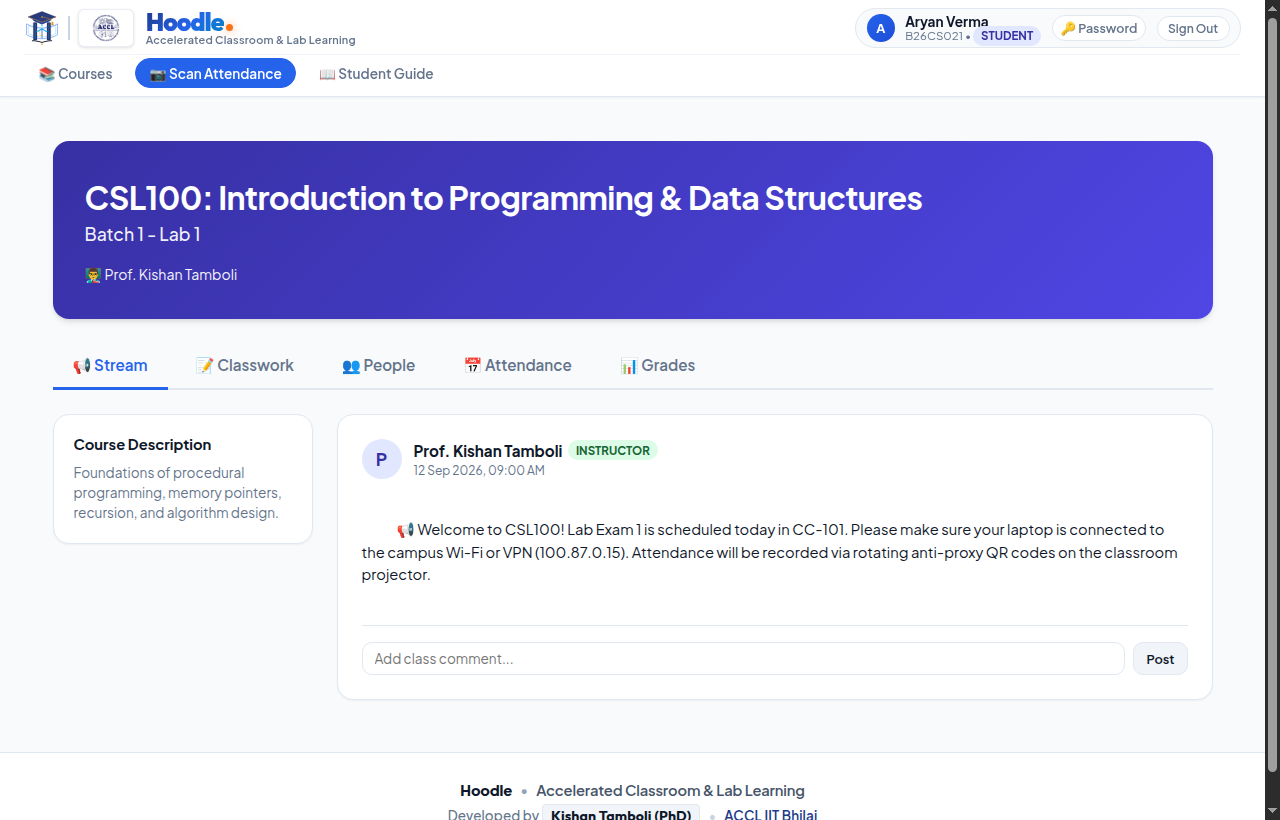
Instant announcement feeds, classroom notifications, and TA-student discussion threads. Never miss a lab deadline, venue shift, or assignment clarification.
GPU Cluster Architecture
Load-balanced across dual NVIDIA RTX A6000 nodes (gpu1 & gpu2) with 34 Gunicorn workers, easily sustaining 500+ simultaneous student scans with zero bottleneck.
Native Mobile Application
Custom Android application featuring camera-accelerated QR scanning, haptic feedback, and a seamless one-tap switcher between Campus Wi-Fi and Public Internet.
Gradebook & Analytics
Real-time grade distribution charts, mandatory 75% attendance quota warnings, and 1-click comprehensive CSV exports for instructors and academic coordinators.
Designed for Intuitive Efficiency
Take a look inside the Hoodle interface used daily by students, teaching assistants, and professors.
Getting Started in 4 Simple Steps
Everything you need to join classes and submit lab assignments in under two minutes.
Sign In or Register
Use your IIT Bhilai roll number (e.g. B26CS021) to sign in, or click Register to create your student account.
Join Your Classroom
Use your professor's 6-character class code or direct short link to enroll in your courses with a single click.
Install Android App
Download the official APK to scan the rotating dynamic QR code in lecture halls and mark attendance without delay.
Submit & Excel
Submit lab code archives before the countdown timer expires and get your cryptographic receipt instantly.
Dual Access Architecture: Internet & Campus Wi-Fi
You can access Hoodle seamlessly from anywhere: use https://hoodle.in on mobile data (Jio, Airtel) or outside campus, or connect directly to http://10.10.14.104/lms/ while on IIT Bhilai campus Wi-Fi for ultra-low latency.